
Keeping a diary is one of the most private things you can do, yet also one of the easiest to accidentally expose. Taking up a pencil and paper has always been a great option for jotting down some notes. I’m quite partial to it, currently writing every day in a Leuchtturm1917, and carrying another notebook for 10 years, slowly but surely filling it with important facts, numbers, and figures about my life. But these options, being physical, are extremely easy for nosey busy-bodies to peek into.
Digital options are quite a bit better. For example, if you set up an Obsidian journal you’ll have something that’s at least locked behind your computer’s password and, if you use a laptop, you can quickly hide by slamming the lid of your computer down. But you can get something much better without adding any complexity at. And by that, I mean LibreOffice.
Why LibreOffice Is Great for Private Notetaking
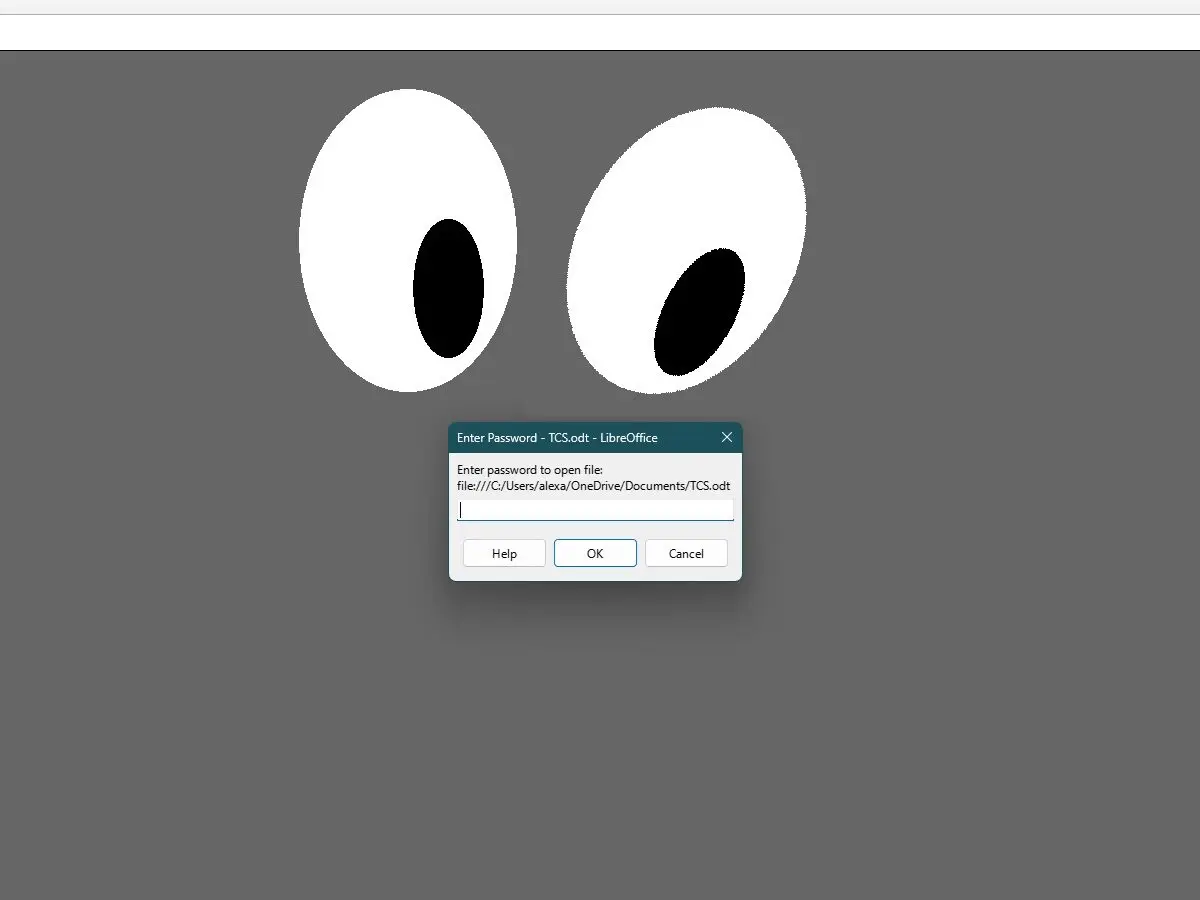
Whether you’re intent on writing a daily dairy to document your crushes, or the inner workings of your dysfunctional family, or just want a place to type out your business secrets, LibreOffice has great things for you. As it turns out, you can save your file as an encrypted file by taking two seconds to click “Save with password” in the ‘Save As’ menu. Being encrypted behind a key, the file won’t even be able to be opened from other parts of your file storage system.
Libre Office is a fully-fledged office suite that rivals the likes of Microsoft Word or even Google Suite (though it doesn’t come with the free Google cloud storage). For free, it includes a word wrap, spreadsheet, drawing page, slide deck creator, and database manager. And, again, all files you make can be encrypted easily and everything is stored locally, not on some cloud.
There are always problems in the world. Maybe someone has a hidden camera in your room. Perhaps quantum computing breaks down and encryption goes out the window. Your malicious step aunt could somehow have installed a key logger on your machine. But for the vast majority of us, the easily-accessible privacy available free from this software is enough. I wholeheartedly recommend LibreOffice for this purpose.