
If you’re a digital notetaker, journal keeper, or diarist, there are probably two main reasons you keep things digital. One, typing is faster than handwriting for most people. Two, long-term storage feels far more secure in a digital format. But with the constant threat of cloud account shutdowns and computer failure, there’s a surprisingly large chance you could still lose your most precious thoughts and records if you aren’t careful.
That’s why some basic digital archiving is needed for your most important records.
Backups Are Important
This goes without saying, but back up your stuff.
You probably don’t do this if you’re a typical Windows user. That’s okay. Not everything is important. But for important stuff, it’s especially nice to have a backup.
The Triangle
The triangle, then, is a backup of your backup. A general rule of thumb digital archivists lay out is to keep three copies of digital data to keep it safe for the long haul. From CD-ROMs to cloud servers, electronic things do break down over time. All of them.
But, unlike works with a pencil and paper, they’re incredibly easy to copy. And, if you make a single copy of your important written records that’s better than what most people accomplish. Two, the thinking goes, and you’re golden. If any of your three records breaks, you’ll have multiple ways to keep your data current as well as get the second backup up and running again.
What you don’t always hear are what the three methods should be. Here are some suggestions for each “angle” of your three-sided storage solution so you can get started with superior storage right away.
The Primary Input Interface
The most basic storage location is also the easiest. What device are you using to write from in the first place? Store locally there.
For most people, this will be your laptop or desktop. Though, there are fine journaling techniques for phones and tablets as well, depending on your needs.
If you’re writing your logs in Google Docs or a similar online service, remember that you’re actually uploading to the cloud and not storing it locally. That’s fine, but it’s easy to forget that your primary storage place isn’t on the device you’re using to write with, especially when cloud storage is as seamless and frictionless as it is on something like a quality Chromebook.
The Quick Secondary Storage
One of the hardest things about getting used to making backups is the extra time it takes. Any effort at all feels like too much.
That’s why it is essential to make your first backup super easy.
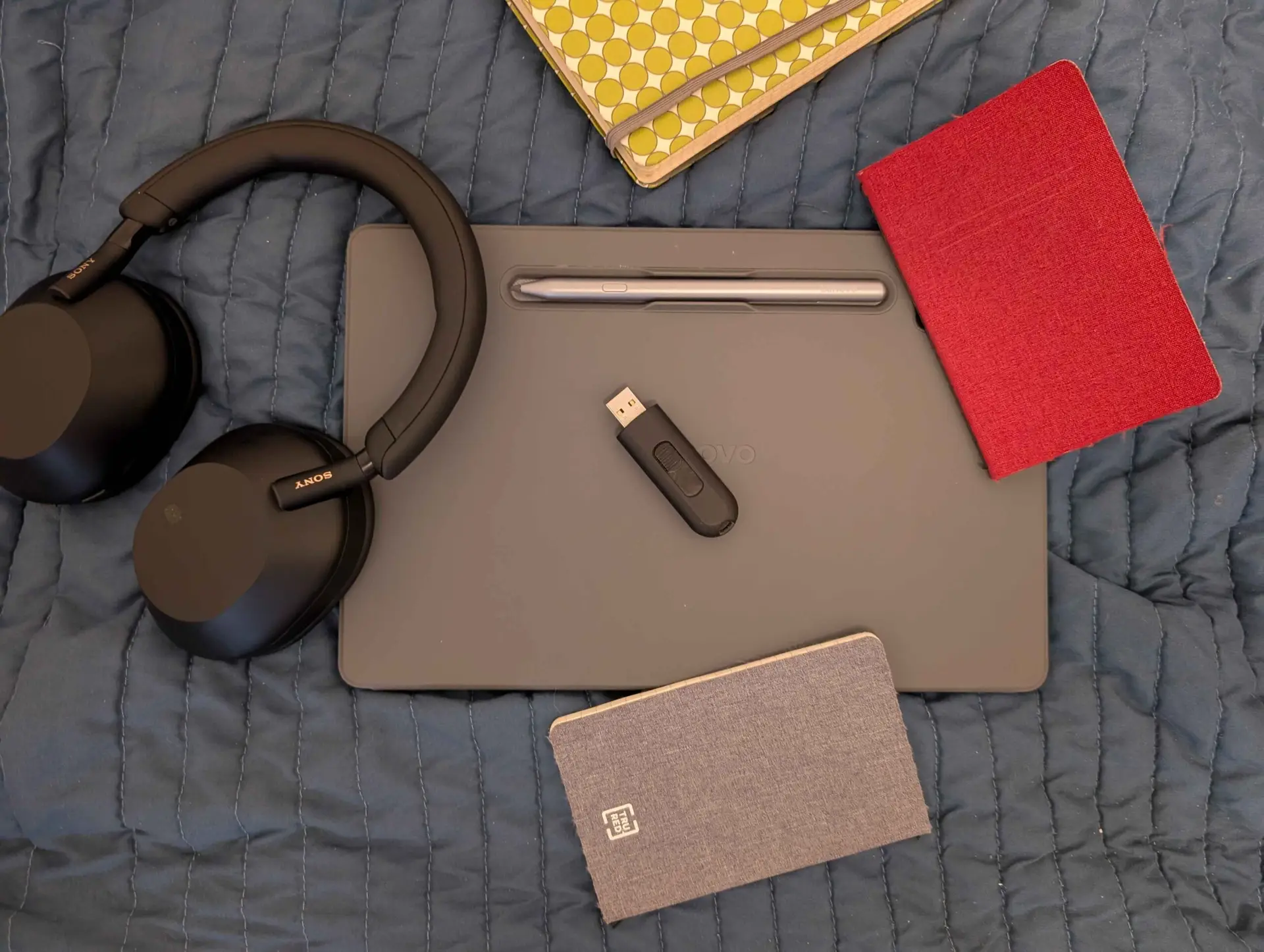
Examples of good secondary storage methods include cloud services if you’re saving your files primarily to your computer. Services like Obsidian have built-in cloud uploads if you like. Or, you can backup your important folders to a small flash drive (words, and even some pictures, are no match for today’s affordable flash drives of 16GB or more) by simply copying and pasting the folders over. If you haven’t used a flash drive in a long time, they really do work like a flash today.
Hard Tertiary Storage
The final part of your triangle should be the part that you consider the most secure and stable. Many people will say that you should upload to an external SSD or some other physical device that you can carry with you, but this isn’t necessarily the best thing for you and your life for the same reasons that “just move” or “just get a pet” to cure loneliness aren’t exactly the best pieces of wisdom for all people in all situations.
All of this is to say that, yes, an SSD drive is a great place to have your hard tertiary storage, but if you really want to use a cloud service, or even a second cloud service, that’s okay, too, if you believe that’s the best third storage method for you. If you worry excessively about an SSD getting stolen, destroyed by damage of some kind, or for whatever reason, and trust a company to be a good tertiary storage for you, all the more power to you.
You have permission to make your third storage place whatever you like. Absolutely nothing is guaranteed, but having three storage locations is infinitely better than just two (or one).
A Classic Example Setup
So, what might this look like?
Let’s look at sample person Jessie. Jessie is a typical Windows laptop user. She writes her diary and keeps important notes in encrypted LibreOffice files, saving them with password encryption. After her daily writing session she pops her (now lengthy) diary file into her Dropbox account. During her weekly errands and chores session she remembers to backup the file to an external SSD.
By doing this, she completes the triangle:
- Primary Input: Her Windows laptop.
- Quick Secondary Storage: Dropbox
- Hard Tertiary Storage: Her external SSD.
In less than 10 minutes of work per week she has a better digital storage system than 90% of us.
A Completely Local Example Setup
Now, Jessie did a great job by encrypting her files with Libre Office. Good job, Jessie!
However, she’s still trusting her files with a company, which won’t necessarily fly with everyone. Sometimes it just feels better to be totally local. Or, at least that’s what Samuel (our second, equally fictitious, sample person) thinks.
Samuel writes on his home desktop and, like Jessie, he keeps his hard copies of his most important business plans and notes directly on his hard drive. Business, accounting, and more records are there. He also has an external SSD for storage, but he keeps it plugged directly into his desktop so it’s super easy to use.
But what does a person like this use for a third storage system?
Easy, he uses his laptop! Whenever he’s ready to go out and work on his stuff at the local coffee shop he swaps the external SSD from his desktop to his laptop and quickly transports the files. The perfect thing about this tertiary backup is that it comes automatic and without any friction whatsoever, it’s just part of the ritual of leaving the home.
Don’t Overcomplicate It
The examples presented above show that your storage system doesn’t have to be complex; it just has to exist.
If you take anything out of this article, just remember that you don’t have to overthink everything. Sometimes just doing the thing is what counts.