
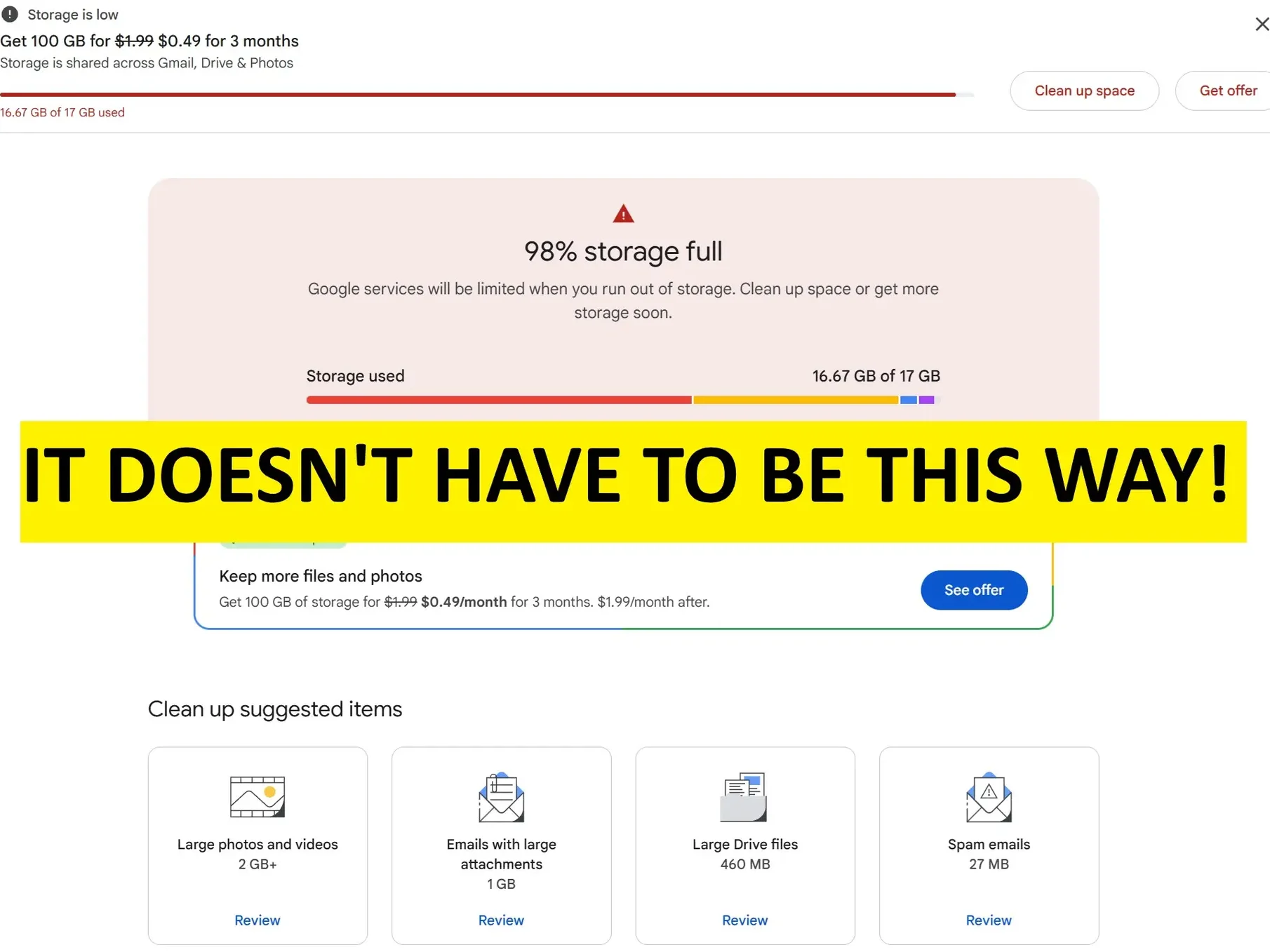
Recently, Android Police released an absolutely incredible guide to cleaning your Gmail storage. I haven’t read through the full thing yet, but I can already tell it’s going to be a banger for anyone past the beginning stages of freelancing, because there is even a section that seems tailored to eliminating PR emails with like 10 PDFs attached. Of course, Gmail is just one part of a Google account’s storage system, which also includes your digitally-stored notes, photos, and more. And that’s my domain here.
Even though from my quick scan I can already see it includes near-magical search terms and formatting, I already know I don’t need to follow every bit of the guide. Here, we’re going to examine exactly why that is, as well as why I’m going to do it anyhow.
The Myth of Limited Google Cloud Storage
The immediate problem I encountered with all of this is simple: There’s nothing stopping you from getting multiple accounts, each with their own storage allotment.
Google practically encourages this with its account linking system.
Some clients even add me directly to their system by making an account for me. That’s a whole trove of storage that’s easily accessible. For free. You could make five accounts and store different types of things on them.
So the issue quickly becomes that you’re cleaning up storage that you essentially don’t have to.
Where My Google Drive Storage Disappeared
If this is the case, then why did my Google account become so clogged?
Well, it’s not from the immense amounts of words I’m writing each day. Instead, my issues are twofold:
- I get a ton of PR emails. Many of these emails contain a large number of PDFs.
- I linked my phone’s photo backups to my account.
The first is a classic issue for freelancers, who should expect to receive press releases and embargo kits on the regular, while the second is a convenience feature that my Gmail-linked phone offered to me and I accepted. Sometimes I regret it (the picture backup, not the freelancing) but it’s a fairly standard feature.
Between the two I have over 15.8 GB of storage eaten up, with Gmail taking 10.35 GB and Google Photos devouring another 5.49 GB. Ouch! Google Drive and Device Backup take up less than 500 MB each, leaving me at 16.71 GB of a total of 17 GB of cloud storage on this one account.
Why I’m Going to Follow the Gmail Cleaning Guide Anyhow
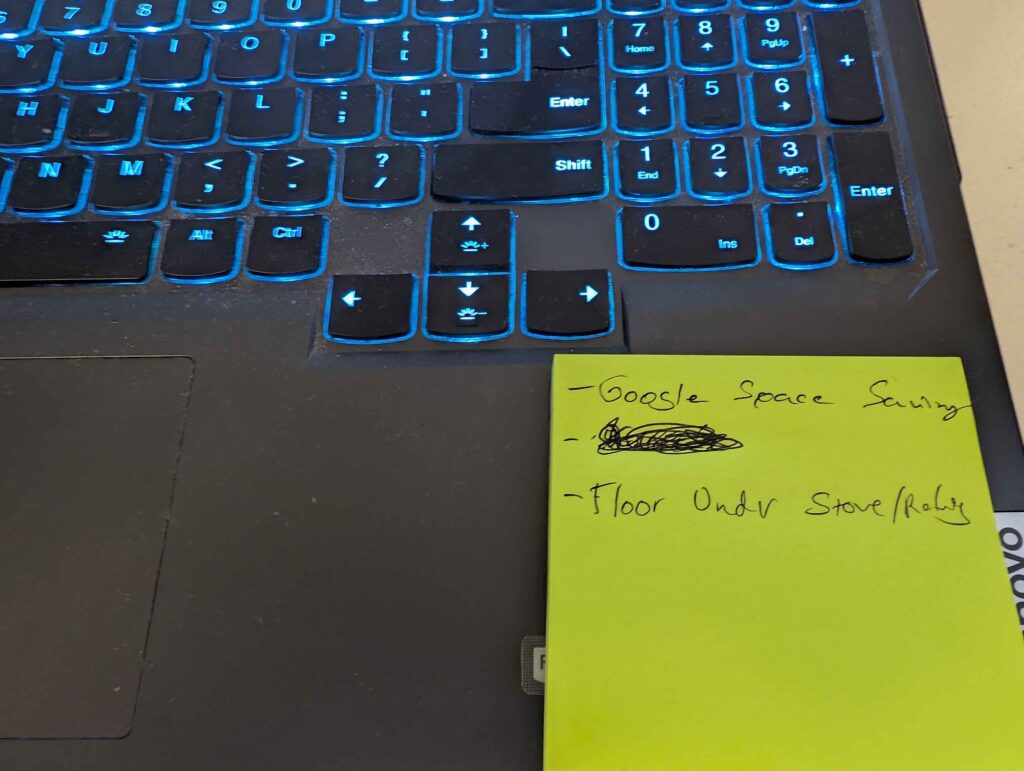
If you want to get things done in the morning, one of the best ways to do so is to prepare a wake-up sticky note with everything you want to do on it and paste it on your laptop lid. And as you can see, I’ve added following Android Police‘s guide, practically word-for-word, to my list.
Why would that be, if there’s basically an infinite array of cloud storage out there? Especially considering I’m already given separate storages (without any extra effort on my part) for some work accounts.
It’s just too ingrained in who I am at this point.
My main Google account is tied to over 100 other accounts, multiple client contacts, my phone, my laptops, my tablet, and so on. Even though I could juggle multiple accounts, and perhaps should have started doing so back in the primordial days of my career, it feels too late for that now.
As a result, even though there’s a vast and infinite ocean of free cloud storage out there I’m sticking to my pond and, to stretch the metaphor, stuck cleansing out the slime.